
More than one site
One company, several sites, and one answer to who is on which of them
Every site does sign in slightly differently, and nobody can answer a simple question about who was where without ringing round. A kiosk at each site, each under its own name, all grouped as one company, and somebody with the area manager role who can see every site’s visitors from one login.
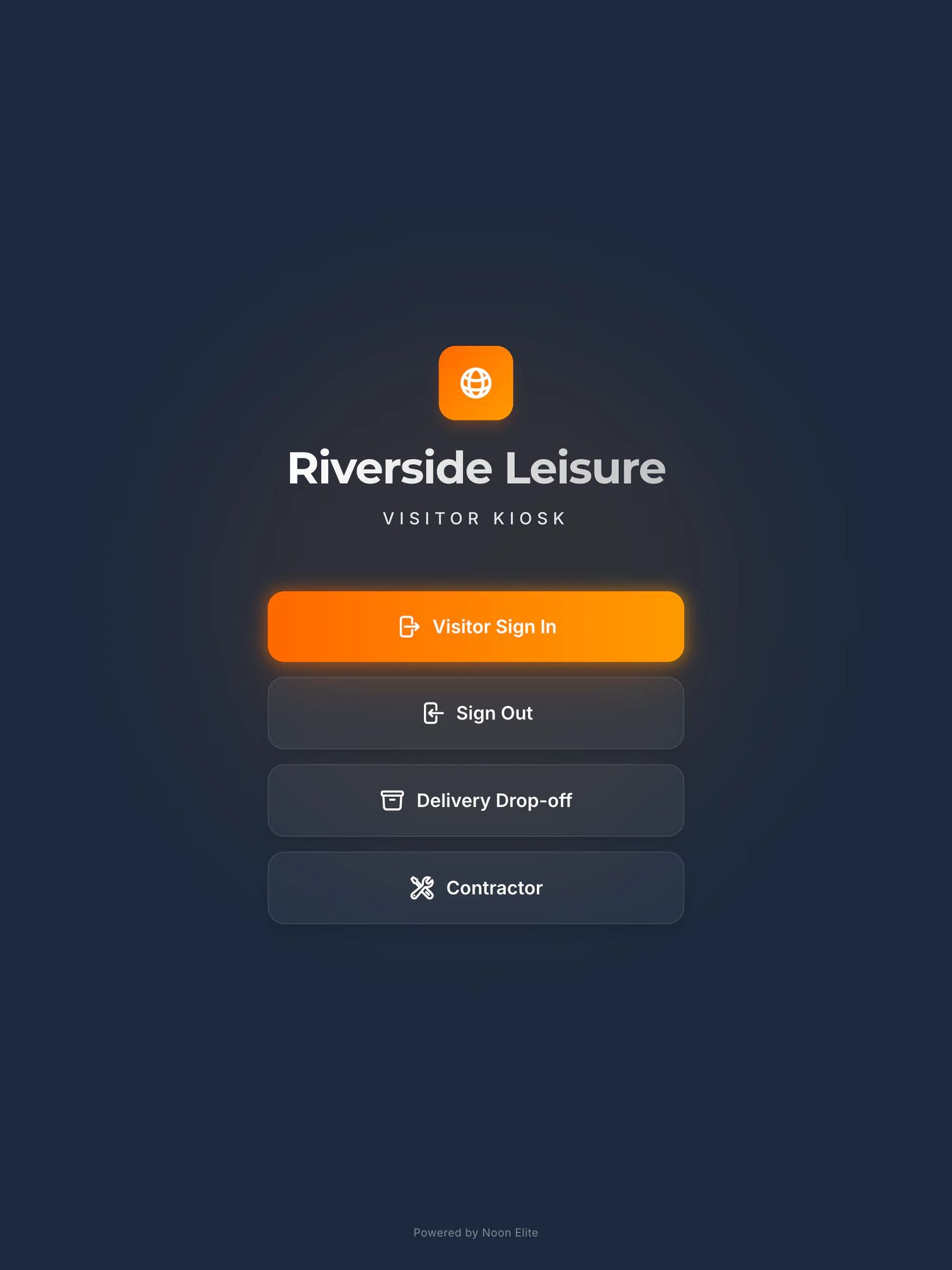
Sign in on a demonstration kiosk, then open the fire roll call on your phone. Do not enter real details: everything typed is deleted within the hour.
£150 a month plus VAT per site, iPad and stand included. Priced per site, never per user.
The problem
Four sites, four ways of signing in, and no way of adding them up
Every site does it slightly differently
One has a book, one has a clipboard at goods in, one has a spreadsheet somebody built in 2019. Each works well enough on its own site, and none of them can be added together.
A simple question means ringing round
Which sites did that contractor visit last month? Who is on the Derby site right now? The answer exists, in four buildings, in four formats, and it takes a morning of phone calls to assemble.
The audit is only as good as the weakest site
A customer or an assessor who visits one site assumes the others are the same. If the procedure is only real at head office, the visit that finds out will be to somewhere else.
How it works across sites
The same kiosk everywhere, and one place to see all of it
A kiosk at each site
The same iPad in the same stand at every reception or gatehouse, installed and configured by us. A visitor who has signed in at one of your sites already knows how to do it at the others.
Each site under its own name
The welcome screen carries that site’s name, not the group’s, so a visitor in Chesterfield is signing in to Chesterfield. Site rules and the wording visitors accept are set per site, because the rules on a foundry floor are not the rules in a sales office.
All of them one company
The sites are grouped under a single company account rather than being four separate customers who happen to share a logo, and there is one person to ring about any of them.
An area manager who can see every site
Give somebody the area manager role, an operations director, a group health and safety manager, a regional lead, and they see the visitors signed in across all of your sites from one login, without asking each reception.
What the visitor management system does at each siteThe fire roll call systemContractors who work across your sitesSites with nobody on reception
What it costs
Per site, in public, and never per user
- Priced per site, not per userThe platform is £150 a month plus VAT for each site, with setup from £599 per site for installation, configuration and on site training. Nothing is charged per user, so naming three area managers costs the same as naming none.
- More than one site is priced on a callBook fifteen minutes and we will price your sites on the call and confirm it in writing. We would rather do that than publish a discount table that fits nobody.
- Start with oneMost groups should. Put the first kiosk where the next audit is, live with it for a month, and add the other sites when it has earned them.
Every price, and what is never charged forThe business case, for whoever signs it off
Before you ask
The questions groups ask on the first call
Can each site have its own name, rules and wording?
Yes. Each kiosk shows its own site’s name on the welcome screen, and the site rules a visitor accepts are written per site. The sites are still grouped under one company, so it is one account rather than several.
Who can see visitors across all of our sites?
Anyone you give the area manager role to. It is meant for the person who is responsible for more than one site, an operations director or a group safety manager, and it shows them the visitors signed in at every site from one login.
Is it priced per site or per user?
Per site. The platform is £150 a month plus VAT for each site, with setup from £599 per site, and nothing is charged per user or per visitor. For more than one site we price it on a fifteen minute call and confirm it in writing.
Can we start with one site and add the others later?
Yes, and it is what we would suggest. Start with the site that has the next audit or the most contractor traffic, and add the others once it has proved itself.
Does it help with an audit that covers several sites?
It gives you the same procedure at every site, which is most of what a multi site audit is looking for. HMRC’s AEO guidance, for instance, says that if any of your processes are only used at some of your sites you must make that clear. One process, with each site’s own record behind it, is an easier thing to describe than four.
How many sites is too many?
We would rather say this than have you find out: Noon Elite is one engineer. A handful of UK sites is comfortable, and you get somebody who has stood in every one of your receptions. At twenty sites, or a rollout across several countries, buy from a vendor with a support desk.
For IT, procurement and data protection
The questions that come after the first call
Once the person who rang has said yes in principle, the questions start arriving from people who did not. These are the ones they ask, answered from the agreement they will be sent, not from a sales call.
What can we send our IT or security team before a call?
The security page, written for the person filling in a supplier questionnaire, and the Data Processing Agreement, which comes as standard and can be read before you sign anything. The short version: visitor data sits in the European Union, eu-west-1 in Ireland, on ISO 27001 certified infrastructure. Noon Elite Ltd holds no certification of its own and there is no penetration test report to send, and both of those are stated on the security page rather than discovered on the call.
How long are records kept, and is it one setting for the whole group?
You set it, anywhere between 1 and 730 days, and 365 applies if you express no preference. It is one period for your company and every site in it, and records are deleted automatically and permanently when it expires. A visitor’s photograph, if you turn photographs on at all, is deleted at sign out by default and never kept longer than 30 days.
What support do we get, and what happens when a kiosk breaks?
Support queries are answered within 24 hours during UK business hours, and the software uptime target is 99.9%. If a kiosk fails, a configured replacement is shipped within three to five working days at no cost, for any site in the group. Accidental damage, loss and theft are the site’s responsibility, so a cracked screen is paid for and a failed one is not.
Is it one contract for all our sites, and how long does it run?
One agreement, with the sites covered listed on its order form, and a site you add later is added to the same agreement in writing rather than starting a second one. The minimum term is twelve months from the day the service starts, then it rolls monthly on thirty days’ notice, with a fourteen day evaluation period at the start where you can walk away without penalty.
What if one of our sites closes during the term?
Say so on the call, and it is written into the agreement before you sign rather than argued about afterwards. The standard terms run one minimum term across the sites on the order form, so a group with a site that may close, move or merge inside the first year needs its own line, and groups usually have one.
What happens to our data and the kiosks if we leave?
You can export your records at any time from the dashboard, in a format that opens without our software, and that includes on the way out. At the end of the agreement the data is returned or deleted at your written choice, and deleted anyway if we hear nothing within 30 days. The kiosks are wiped remotely and go back to us within fourteen days, and nothing stays on your asset register because it was never on it.
The security page, for the questionnaireHow long to keep visitor recordsThe terms and conditions
Being straight with you
What to know before you ring
- This is one person. At two, four or six sites in the UK that is somebody who knows every one of your receptions. At twenty sites, or across several countries, you want a vendor with a support rota and an account team, and our comparison page says so.
- The area manager role shows who is signed in across your sites. If your group needs a particular report, a consolidated export or a particular split of who can see what, bring it to the call and you will get a straight answer on whether it exists today.
- It covers the visitors and contractors signed in at the kiosk, and the deliveries logged at it. It is not an access control system and it does not know about your staff unless they use it.
When to buy from somebody biggerIf you are on Eptura Visitor or Proxyclick todayWhat happens if the one person is unavailableAEO, and the same procedure at every site
Next step
Tell us how many sites, and which one has the audit
Fifteen minutes on the phone. How many sites, how many doors at each, and who needs to see across them. You will get a straight answer on fit, and a price for all of them in writing.
Book a 15 minute callNo site visit needed and nothing to install. If it is not a fit we will say so on the call.
Would rather email? ben@noonelite.com
Not the person who signs it off? Send them the one page business case